



 Nederlands
CardsOnline
Create your own interactive IDs
Add a QR code to printed or digital ID cards and let anyone instantly verify an up-to-date status.
Simple, secure and up-to-date.
Simple, secure and up-to-date.
CardsOnline Status Check
Create an interactive printed or digital card with CardsOnline Status Check. Status Check allows you to add a QR-code to your printed or Digital ID Card. This QR-Code contains a unique link that displays a Status Check Template with an up-to-date status of a data field configured in CardsOnline.
Status Check: scan & get feedback
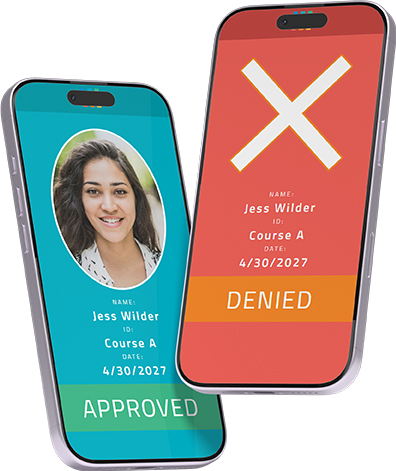
Quickly check if scanned data is true or false for a card holder. This could be for access to an event or to check a certain standing of a person.
Works on any type of design
A Status Check link can be added to a QR-code on any type of design. So it will work on a printed card, a Digital ID as PDF or as a Wallet Pass.
Bind data fields
Bind CardsOnline data fields to the dynamic fields available in a Status Check Template
Design, produce, identify and verify
With this check, CardsOnline offers the complete circle: design, produce, identify
and now verify a status using your ID card or digital ID.
Standard or Custom Templates
Select one of the available Status Check templates in the list, for example, to check the status of training certifications, membership, academic standing, special access or let us create a custom template specific to your wishes.
Getting Started
To get started a card design is needed with a QR-code. A Status Check link can be added to a QR-code on any type of design. So it will work on a printed card, a Digital ID as PDF or as a Wallet Pass.

Status Check Link
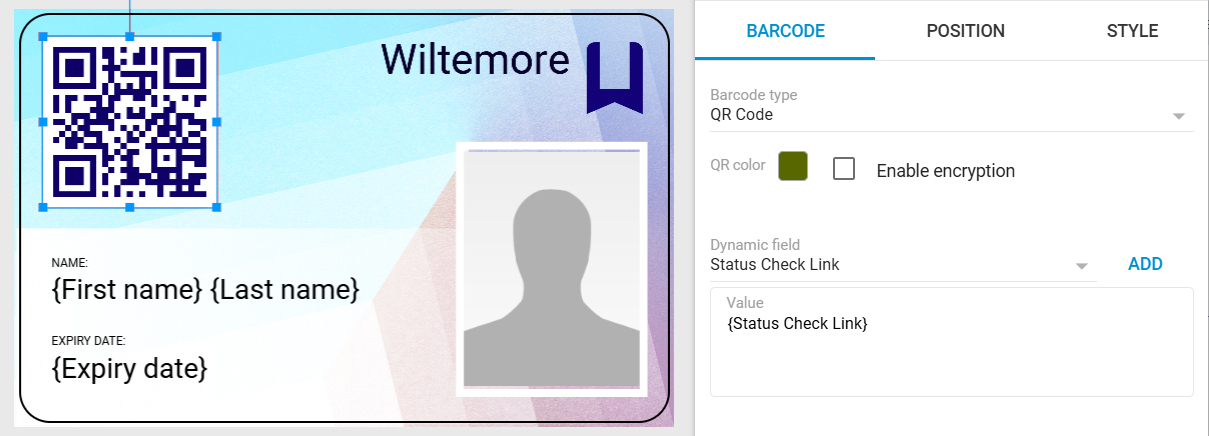
Click on the QR-code element in the card design, go to the element properties and select the “Status_Check_Link” field from the available dynamic fields. Add the {Status_Check_Link} to the value of your QR-code and save your card design.
Status Check Binding
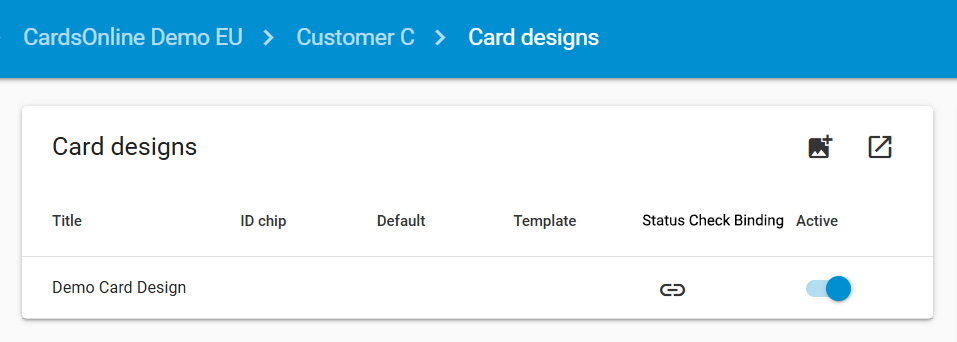
Link your card design and QR code to one of the available Status Check templates. Click the bind icon and select the required template. For example: to provide yes/no feedback or check training certifications, membership, academic standing, or special access. The template preview shows an example of positive or negative feedback. Each template has its own validation setup and dynamic fields that can be linked to your CardsOnline data fields.