




 Nederlands
CardsOnline Support
Learn, explore and get more from CardsOnline
Learn how to get the most out of CardsOnline with practical video tutorials.
CardsOnline,
made easy
We’re here to help you get the most out of CardsOnline. Explore our instructional videos to quickly learn how to use the platform, discover additional services and features, and find the support you need whenever you need it.
Explore Tutorials by Category
Choose a topic to quickly find the CardsOnline tutorial you need.
Getting Started
Start with the basics and learn how to navigate CardsOnline and add your first cardholder data.
CardsOnline Unit Overview
Get familiar with the CardsOnline Unit dashboard and its most frequently used functions.
Import Data from Excel
Import multiple cardholder records directly into the CardsOnline Data Manager from an Excel file.
Add a New Record
Manually add a new cardholder record and enter the required information in CardsOnline.
Data Management
Find, edit and manage cardholder records efficiently in the CardsOnline Data Manager.
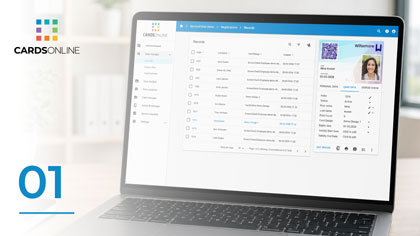
Find a Record
Quickly find a cardholder record in the CardsOnline Data Manager.
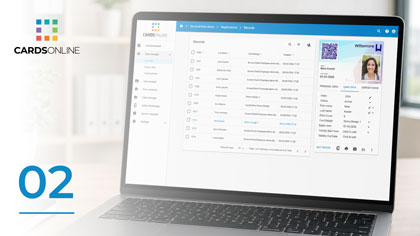
Edit a Record
Open an existing record and update cardholder information in CardsOnline.
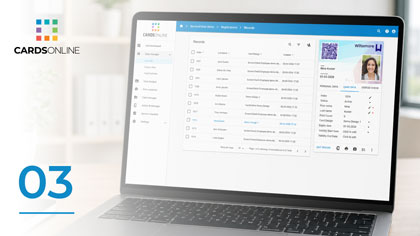
Filter & Select Records
Use filters to find and select groups of cardholder records for further actions.
Card Design
Learn how to create professional card layouts using the online CardsOnline Card Designer.
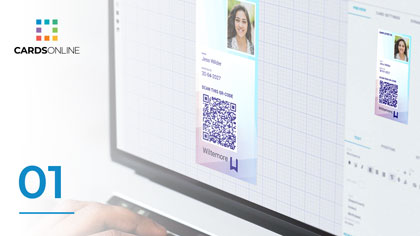
Create a New Card Design
Create a new card layout using the online CardsOnline Card Designer.
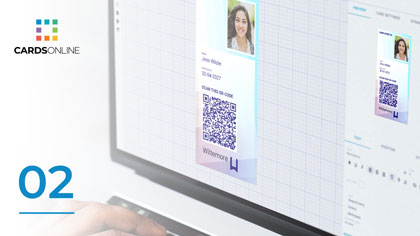
Add Shapes & Images
Add shapes, logos and images to build and customise your card design.
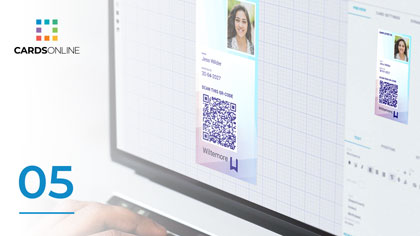
Add a Photo Placeholder
Add and position a photo placeholder for cardholder photos in your design.
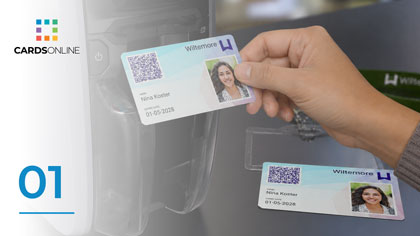
Add Static & Dynamic Text
Add fixed text and dynamic cardholder data fields to your card design.
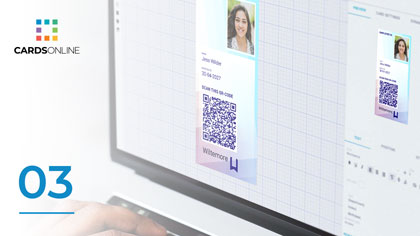
Add a Status Check QR Code
Add a QR code with a Status Check link to a printed card or Digital ID.
Card Production
Learn how to connect CardsOnline with your local card printer and produce physical cards.
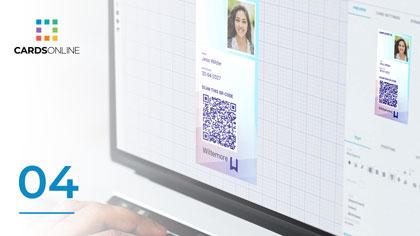
Print Cards
Print individual cards or a selected group of cardholder records from CardsOnline.
Install & Configure Card Print Manager
Install and configure Card Print Manager to connect CardsOnline with your local card production environment.
Print with Card Print Manager
Send print jobs from CardsOnline to a connected card printer using Card Print Manager.
Service Portal
Let cardholders securely provide their own data, photos and service requests before card issuance.
Invite Cardholders to the Service Portal
Invite cardholders to their own Service Portal account so they can complete their information online.
Send & Approve Service Requests
Request missing information or photos from cardholders and review their submitted Service Portal requests.
Digital ID & Status Check
Create and issue Digital IDs and add real-time status verification to printed and digital credentials.

Design a Digital ID PDF & Active ID
Create a Digital ID design for PDF and use in the CardsOnline Active ID app.

Design a Wallet Pass
Create a Digital ID design that can be issued as a mobile Wallet Pass.

Send a Digital ID
Select cardholders in the Data Manager and issue their Digital IDs.

Use the Active ID App
Install the CardsOnline Active ID app and learn how to access and use your Digital ID.
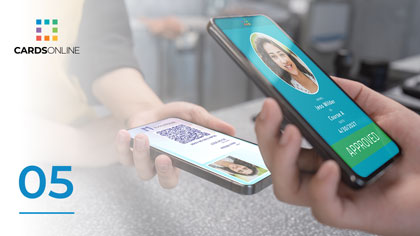
Add a Status Check QR Code
Add a Status Check QR code to make current credential information available through a scan.
Photo Check
Learn how to configure and use automatic photo quality checks throughout CardsOnline.

Configure Photo Check for a Unit
Enable Photo Check for a Unit and configure the photo quality checks you want to apply.

Photo Check During Registration
See how Photo Check automatically verifies a photo during cardholder registration.

Photo Check in the Service Portal
See how uploaded photos are automatically checked when cardholders use the Service Portal.

Photo Check When Adding a Photo
Run Photo Check automatically when adding a new photo directly to a cardholder record.

Run Photo Check on an Existing Photo
Manually run Photo Check on a photo that is already stored in a cardholder record.

Batch Photo Import with Photo Check
Import multiple cardholder photos and automatically check their quality during the import process.
Still need help?
Can’t find the answer you’re looking for? Contact us and we’ll help you find the right solution.