




 Nederlands
Create and manage access cards centrally
With CardsOnline CMS, you can centrally manage personal and card data and support the complete process from registration to production and encoding of a multifunctional access card.
✓ Printing and encoding
✓ Support for multiple locations
✓ Connect with existing systems
✓ Expandable with Digital ID
What is an access card?
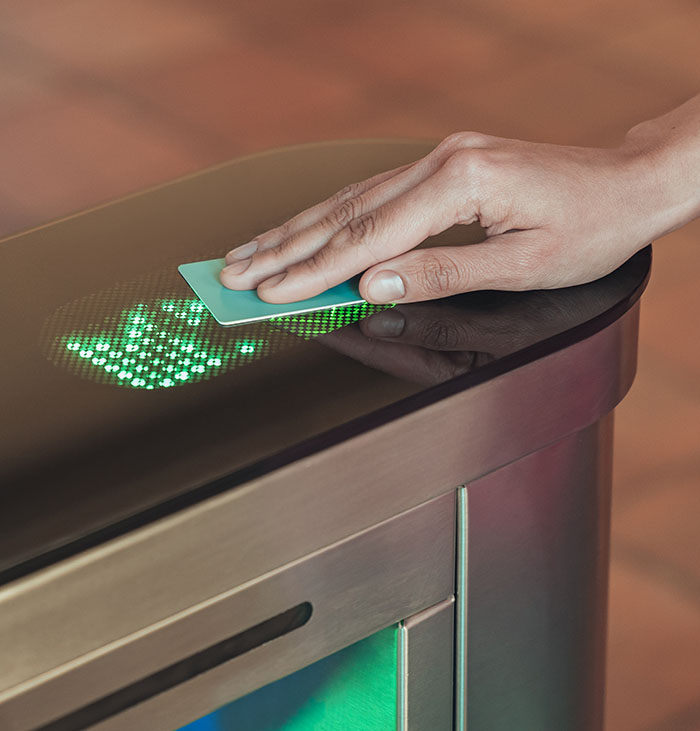
An access card is used to give employees, visitors, students, contractors or other users access to a building, site or specific areas.
Depending on the organisation, the same card can also be used for identification or other facility applications.
The physical card can display information such as a name, photo, job title, department, organisation, card number, barcode or QR code. The card can also contain a chip or other technology used by the organisation’s existing access control system.
CardsOnline CMS brings identity, card data and card production together in one central environment.
Creating an access card: from registration to issuance
01
Capture data
Record personal and card data or make it available from an HR, student or other source system.
02
Create the card
Combine the correct card design with a name, photo, card number, barcode and other required information.
03
Print and encode
Print and encode the access card for use within your organisation’s card and access solution.
Connect your access card to existing systems
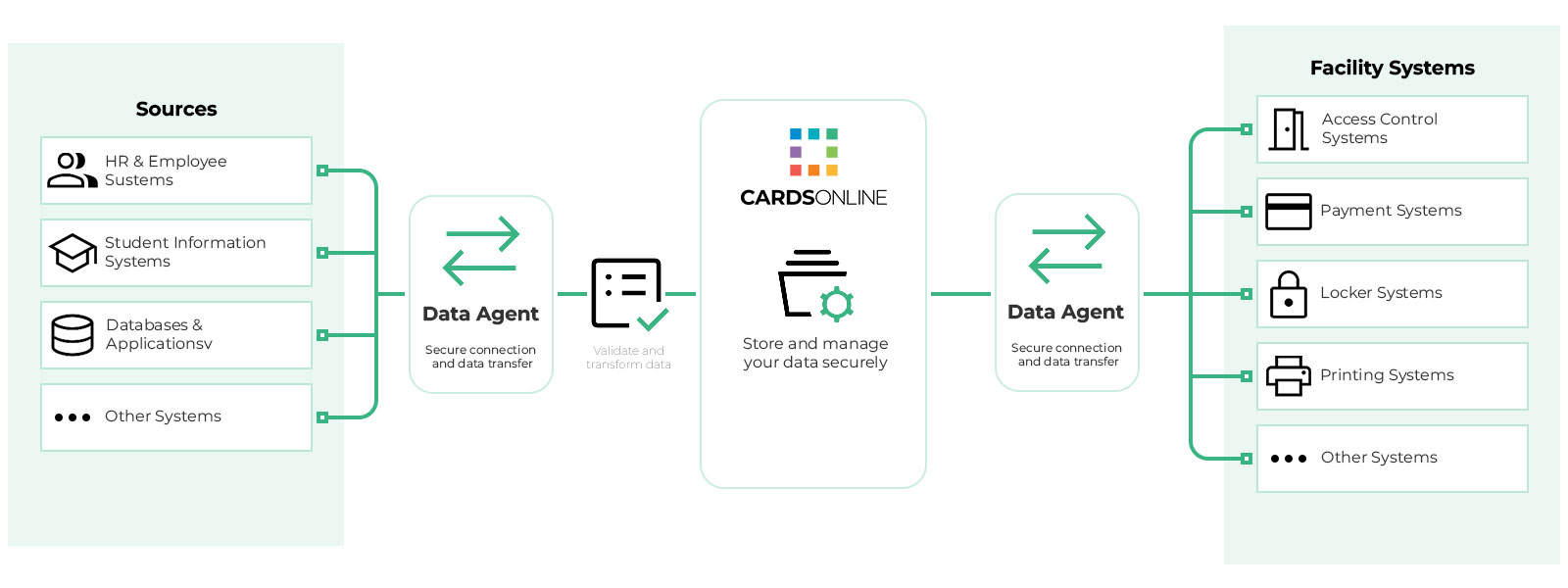
Personal data is often already available in an HR, student or other source system. With the CardsOnline Data Agent, this data can automatically be made available within CardsOnline.
The Data Agent can also exchange information with facility systems, including access control, payment solutions, lockers and printing systems.
This eliminates the need to repeatedly enter the same information manually and allows different systems to work with the same up-to-date data.
One central solution for different user groups
Employees
Manage permanent access cards for identification and access within your organisation.
Contractors
Provide external workers with an access card for the period in which they are active within your organisation.
Visitors
Support temporary identification for visitors who need access to specific locations.
Students and members
Use CardsOnline for other user groups as well, such as students, members or temporary users.
From physical access card to Digital ID
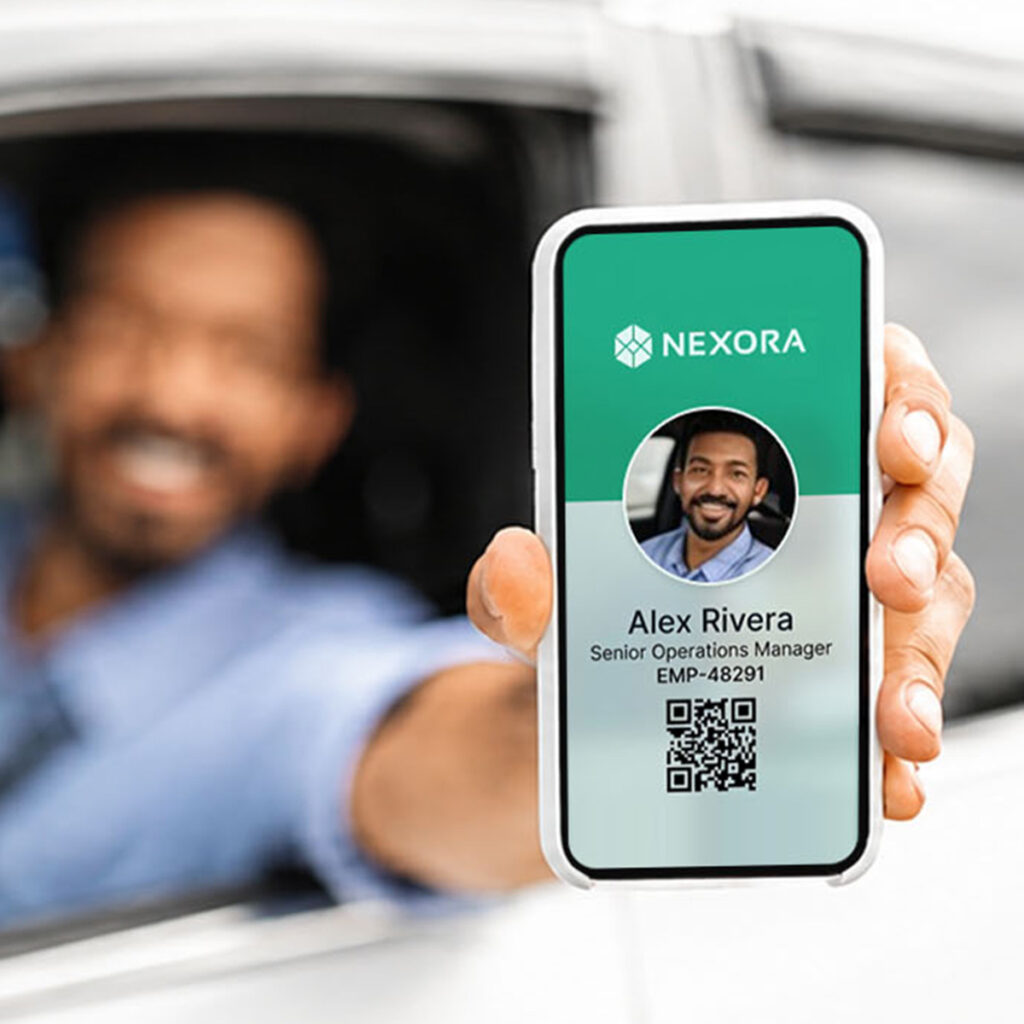
In addition to physical cards, CardsOnline can be expanded with Digital ID.
This allows you to provide digital identification on a smartphone alongside the physical card. Both can be managed from the same CardsOnline environment.
CardsOnline CMS can also be expanded with features such as Service Portal, Photo Check and Status Check.
This allows the solution to grow with the way your organisation manages identities, access cards and additional processes.
Comments are closed.