




 Nederlands
Student ID: physical and digital identification
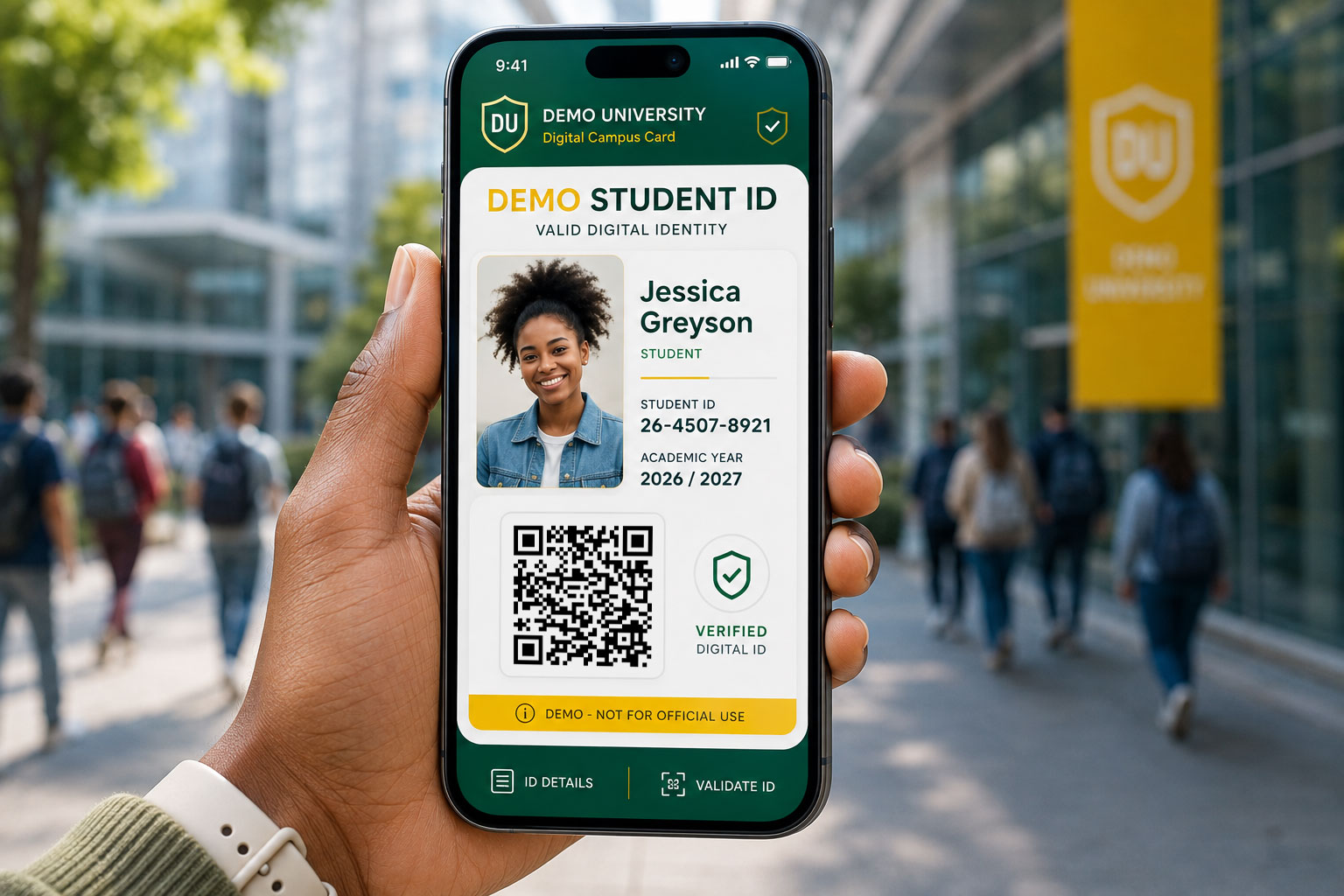
With CardsOnline, you can create and manage student IDs from one central environment. Physical student ID cards can be printed locally, while the same student identity can also be made available digitally with Digital ID.
✓ Centrally manage student data
✓ Print physical cards locally
✓ Issue digital student IDs
One student identity, physical and digital
A physical student ID card and a digital student ID do not have to be separate solutions. With CardsOnline, both can be created and managed using the same student data.
The physical card can, for example, contain a name, photo, student number, programme and expiry date. The digital version can make the same or additional information available on the student’s smartphone.
This allows your educational institution to decide when to use a physical card, a Digital ID or a combination of both.
Student ID cards in your institution’s own branding
Every educational institution has its own identity and way of working. With the Online Card Designer, you can create your own student ID card design.
Logos, colours, photos, personal details, QR codes and other information can all be included in the design. Dynamic data is linked to the relevant student record, allowing each card to be generated automatically with the correct information.
If different programmes, locations or student groups require their own card, separate designs can also be created for each of them.
Use existing student data
Student data does not need to be entered into CardsOnline again if it is already available in another system.
Data can, for example, be imported from Excel or made available through an integration. With the CardsOnline Data Agent, data from facility management and other systems can be connected.
This makes CardsOnline a central environment for the data required to create and manage student IDs.
Produce student ID cards locally
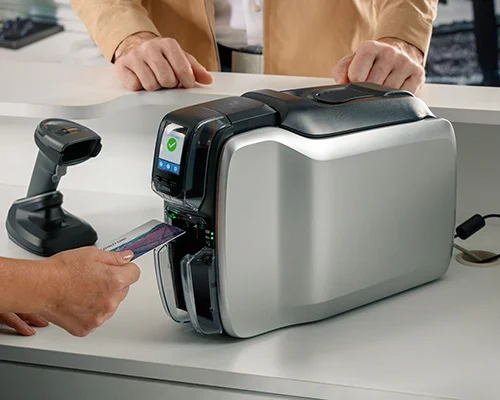
Does a student need a physical card? You can produce it within your own organisation.
Card Print Manager connects CardsOnline to a card printer at the required location. From the online environment, an employee can select a student ID card and send it directly to print.
This makes it easy to issue new student ID cards, as well as reproduce a card when it is lost, damaged or needs to be replaced.
What is a student ID used for?
01
Identification on campus
Use the student ID as a recognisable form of identification for students within the educational institution.
02
Access to facilities
Use the student ID for access to buildings, rooms or other facilities across the campus.
03
Verify student status
Allow students to easily verify their current student status with a physical student ID card or Digital ID.
A digital student ID on the smartphone
With Digital ID, students can also use their student identity digitally.
The digital student ID can be issued as a Wallet Pass or made available through the Active ID App, giving students direct access to their Digital ID on their smartphone.
The data can be managed from the same CardsOnline environment as the physical student ID card.
More than identification
A student ID can be used for a range of applications. In addition to identifying a student, the card can be used for access to facilities or to verify a valid student status.
With Status Check, you can add a QR code to a physical student ID card or Digital ID. After scanning the QR code, the current status of the linked information can be checked.
Comments are closed.